
.svg)


Built on, with, and for tech you trust
Microsoft Azure, Microsoft 365 and modern add-ins for Outlook.


Recognized by analysts
Named a market-leading vendor in the Meeting Management category.


Everything around the meeting, in one platform
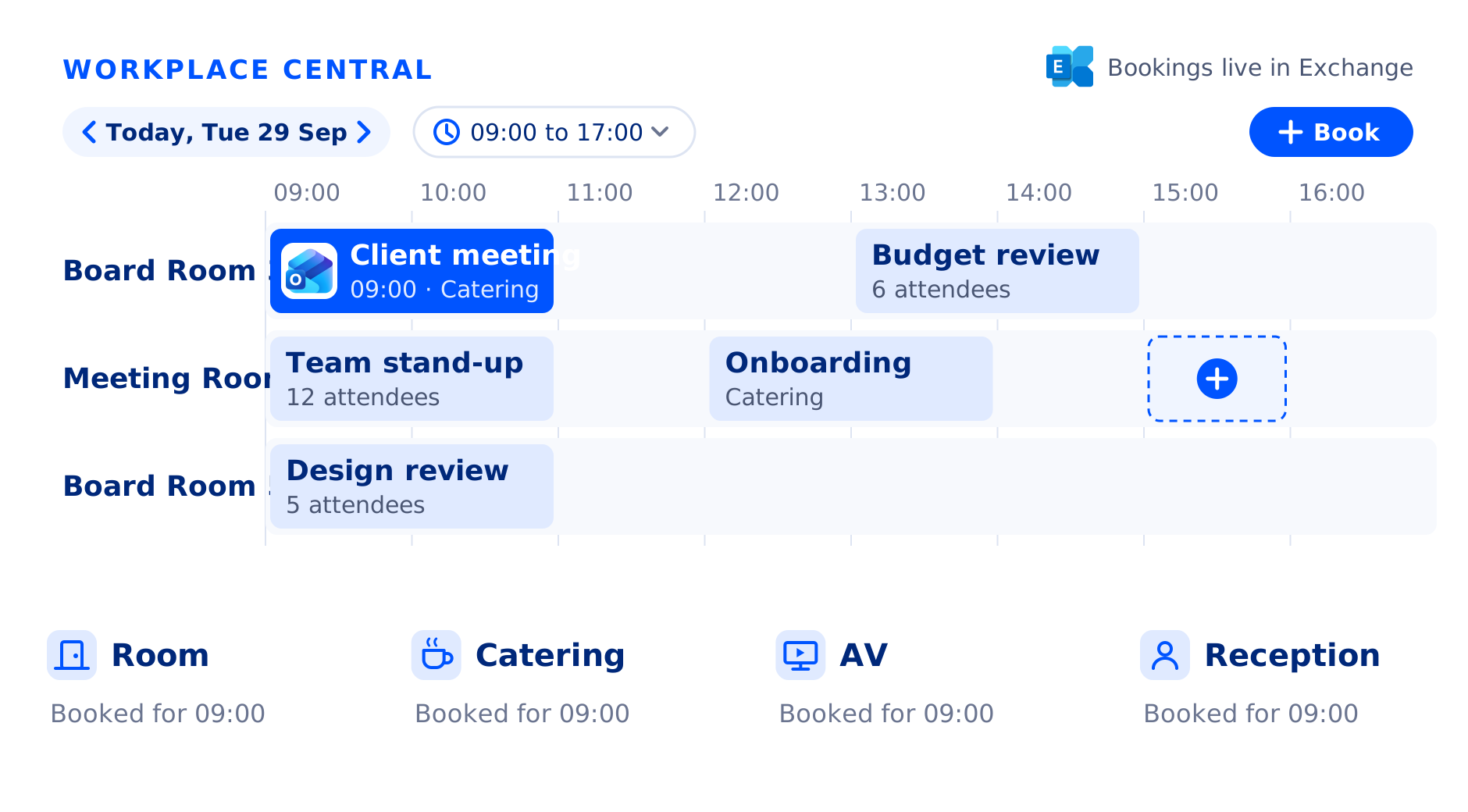
Six parts of one platform, all working from the same booking in Exchange. Book the room, order the lunch, welcome the guest, and see what it all adds up to.
 Meeting Room Booking
The right room, every time.
Book rooms in Outlook, see what is free, and let the rooms nobody uses go back to the people who need them.
Explore Meeting Room Booking Meeting Catering
Lunch that follows the meeting.
Order catering on the invite, so the kitchen works from the booking, not from an email.
Explore Meeting Catering Facilities Services
Rooms ready before anyone arrives.
Request room setup and AV with the booking, so facilities and AV teams get the job with every detail.
Explore Facilities Services Maps and Desk Booking
Find your way, and your desk.
Book desks and rooms on interactive floor plans, so people know where to go before they get there.
Explore Maps and Desk Booking Visitor Management
Guests who feel expected.
Register guests on the invite, check them in at reception, and let the host know they have arrived.
Explore Visitor Management Workplace Insights
Plan your space on facts.
See which rooms are busiest, which are booked but rarely used, and what services cost, and decide on data instead of gut feel.
Explore Workplace InsightsWhy do organizations choose AskCody?
Meetings are where deals are won, decisions are made and guests meet your company. AskCody looks after everything that happens after the booking, so meetings start on time, the teams behind them stop chasing changes, and fewer rooms and orders go to waste.
It holds because AskCody is native to Exchange. The room calendar is the single source of truth: no separate database, no copy to keep in sync, so every team works from the same booking. How AskCody works with Microsoft 365

The room is set, the coffee is in and the guests are checked in before the meeting begins.
For the business: client meetings open on time.
For your people: hosts walk in prepared.
For your guests: a welcome that says you expected them.

When a meeting moves, catering, facilities and AV move with it. Nobody has to chase the change.
For the business: service hours go to service.
For your people: calmer days, fewer interruptions.
For your guests: everything is right at the new time.

Rooms nobody shows up for go back to people who need them, and canceled meetings take their orders with them.
For the business: more from the space you pay for.
For your people: a free room when you need one.
For your sustainability goals: less catering for meetings that never happen.
.png?width=300&name=MicrosoftTeams-image%20(23).png)
.png?width=300&name=MicrosoftTeams-image%20(24).png)
.png?width=300&name=MicrosoftTeams-image%20(26).png)
.png?width=300&name=MicrosoftTeams-image%20(27).png)



-Schnoebelen-sorthvidtransperant-1.png?width=105&name=Lucas-(Luke)-Schnoebelen-sorthvidtransperant-1.png)
The power back in the hands of the user
“AskCody simplifies the booking process. It gave the power back to the user rather than a ‘wait and see scenario’... AskCody gave us visibility into all the available resources, and that’s great. That was at the core of what we needed.”

Ten bookers used to mean ten ways to book
“Ten different people booking a meeting resulted in ten different ways of creating a meeting, and everything that goes with it... With AskCody employees can now book rooms and request services themselves, and it gives them a kind of self-service aspect where they can take control of their own meetings.”

A reception that is ready before guests arrive
“The benefit of AskCody is that we are all a lot more prepared. The receptionists are not struggling to gather visitor information, which has streamlined the whole process and made it much easier for the receptionist and a better experience for our visitors.”

80 percent of reception time given back
“In general, the AskCody benefit is the time savings and removing the daily frustrations around meeting planning. The biggest benefit until now is that we have saved 80 percent of the reception time, which was taken up with dealing with visitors coming and going.”

Even computer-phobic partners feel at home
“With AskCody we have a system based on Outlook which everyone is already familiar with, so training of the end user is painless. The system can be explained in a clear, logical, and relevant way, and assist even computer-phobic partners in feeling comfortable with handling meeting bookings.”

Not just a vendor, a partner
“Our goal was to find a partner who can hear our concerns, understand our requirements, support us in our project... Working with AskCody means working with an actual familiar team that gives you great support. It is not only a business arrangement, it is a partnership.”